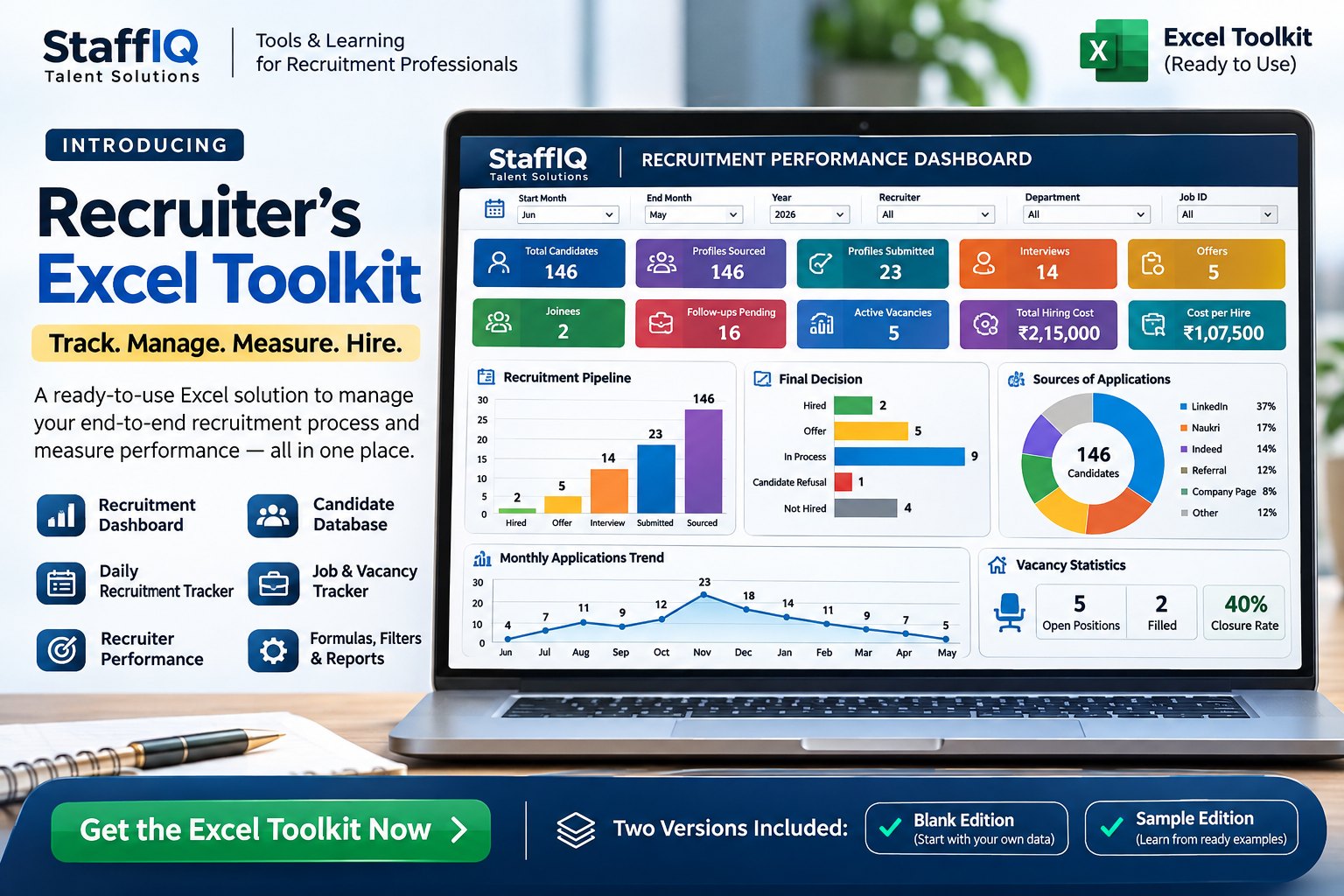
Eleven working worksheets plus a START HERE guide. Everything connects, so what you enter once shows up in the dashboard and reports.
01
Recruitment Analytics Dashboard
10 KPI cards (total candidates, profiles sourced and submitted, interviews, joinees, offers, follow-ups pending, active vacancies, total hiring cost, cost per hire), filters for month range, year, recruiter, department and Job ID, plus 4 charts: pipeline, candidate status, sourcing channels and monthly sourcing trend.
02
Candidate Database
Candidate ID, name, email, phone, locations, experience, primary and secondary skills, current company, current and expected CTC, notice period, source, Job ID, recruiter, stage, last contact and next follow-up dates, remarks, department and date added. Room for 200 candidate rows.
03
Daily Recruitment Tracker
Per recruiter, per day: requirements worked, profiles sourced, candidates contacted, screening calls, profiles submitted, interviews scheduled and attended, offers, joinees, follow-ups pending and key updates or blockers. Room for 200 rows.
04
Interview Tracker
Candidate, client, Job ID, recruiter, interview round, date and time, interviewer, mode, status, feedback, next round or action and next follow-up date. Log multiple rounds per candidate. Room for 200 rows.
05
Offer & Joining Tracker
Offer date, offered CTC, candidate decision and decision date, notice period, expected and actual joining dates, joining status, decline or dropout reason and remarks. Room for 200 rows.
06
Job Listings & Vacancy Tracker
Job ID, title, client, department, recruiter, open date, target positions, positions filled, hiring cost and vacancy status. Feeds the dashboard’s vacancy and hiring-cost numbers. Room for 100 jobs.
07
Recruiter Productivity
Monthly sourced, contacted, screenings, submissions, interviews, offers and joinees per recruiter, with automatic submission, interview, offer and join rates and target submissions.
08
Recruiter Scorecard
Pick a month and year to see submissions, interviews and joinees against targets. Target cells are editable and achievement percentages are calculated automatically.
09
Formula Guide
Recruitment-focused examples of COUNTIF, COUNTIFS, SUMIF, SUMIFS, IFERROR, XLOOKUP, TODAY, TEXT, IF and FILTER.
10
Preferences
Drop-down lists for months, recruiter names, departments, Job IDs and reporting years, so data entry and dashboard filters stay consistent.
11
Chart Data
Supporting backend sheet that feeds the dashboard charts. Not meant for manual data entry.
+
START HERE guide
A short guide inside every workbook: what each sheet does and the recommended order in which to fill them.
Dashboard filters use the relevant source dates: Candidate Date Added, Daily Activity Date and Job Open Date. Reporting periods that cross calendar years, such as June 2026 to May 2027, are supported.